
Playrooms Tools and Equipment — Scoop, Flashlight, Hand Lamp
Steam-documented Playrooms gear: scoop and flashlight from the store page, hand lamp key on HUD, coffee machine upgrades, and tool hotkeys 1 2 F.
What equipment does Two Pixels confirm for Playrooms?
Playrooms on Steam is a ball-pit collection job first. Official About text groups gear under Tools: “The more balls you collect, the more equipment you can afford. A scoop or a flashlight. Everything you need to keep working.”
That is the full store-page list. Additional gear appears in Demo patch notes and screenshots (hand lamp, coffee machine). Stats, prices in balls, and durability are omitted here unless sourced.
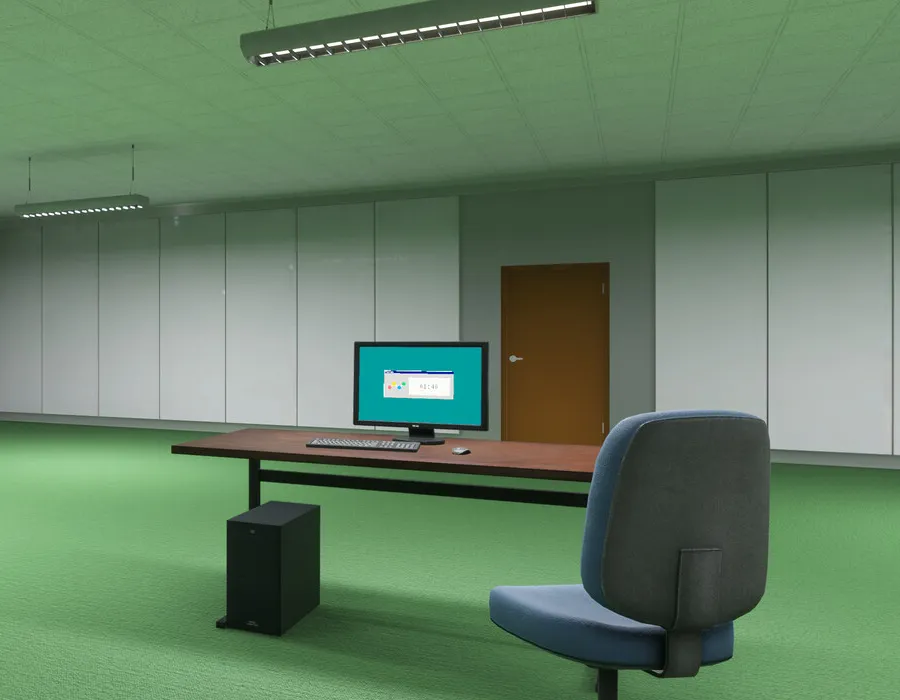
Named tools from the Steam store page
Steam names a scoop and a flashlight as affordable equipment while you collect balls. The flashlight pairs naturally with store stay-in-the-light shift-end text. Range, brightness, and upgrade tiers are not documented in API text we checked. Gameplay context: lights out.
Hand lamp (Demo patch note)
October 13, 2026 controls bullet:
- Tool icons bottom-right show assigned keys
1,2,Fon keyboard. - On controller, numbers are omitted.
- The hand lamp continues to display its key.
The specific key letter or number for the hand lamp is not in news prose, only that its icon still shows one. See controls and keybinds.
Coffee machine (upgrade station)
Same date Workstation notes (not a handheld tool, but equipment):
- Coffee machine upgrades list effects under Active Effects, After Upgrade, and Later Upgrades.
- Coffee duration displays in clock format (example 03:00).
Numeric gameplay effects are not enumerated in the announcement body we read.
shop.exe, light.exe, and dispensing points
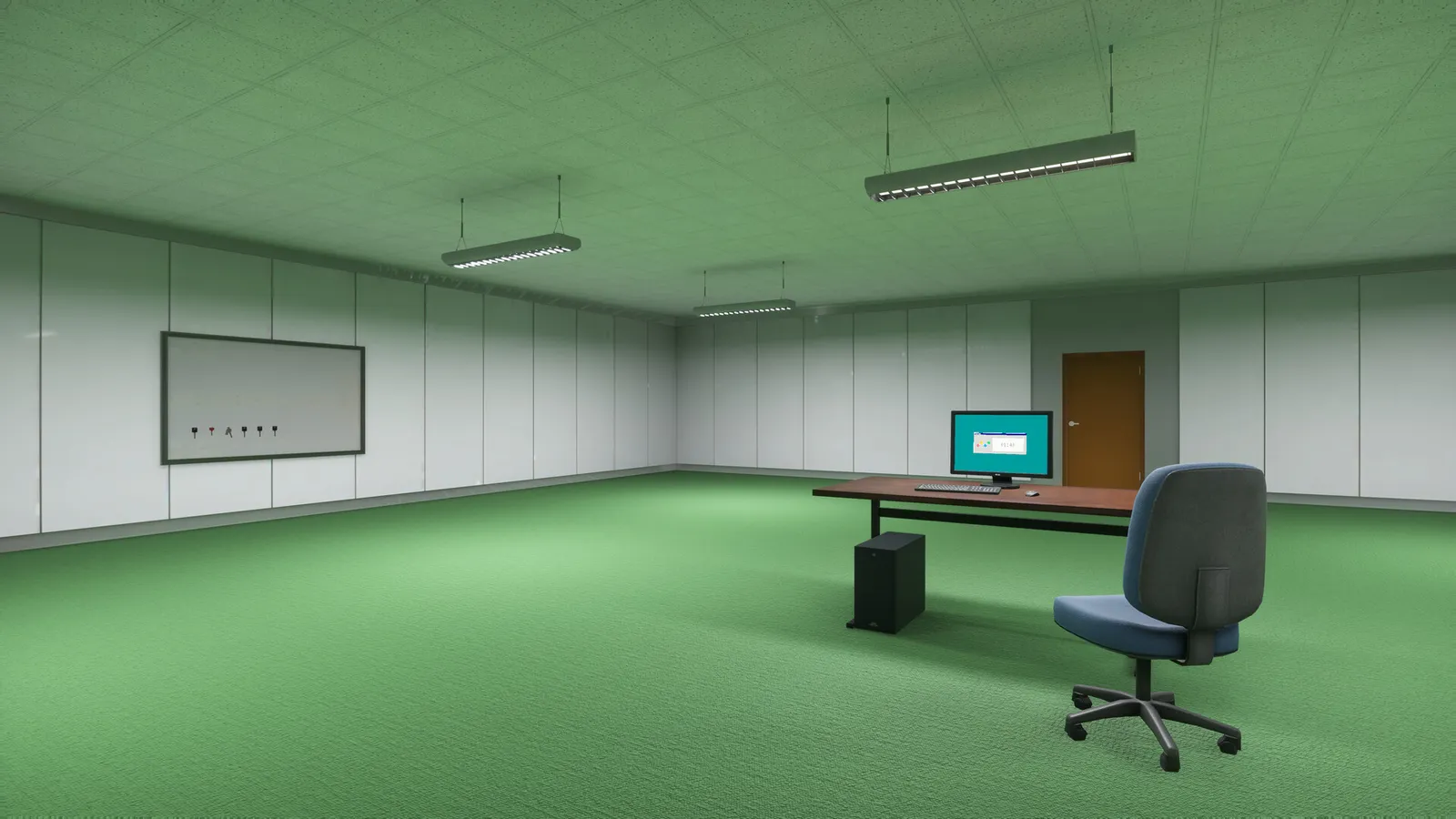
Steam screenshots show shop.exe on the in-game desktop next to skills.exe. Two Pixels has not published a shop inventory list beyond store-page scoop and flashlight names.
Patch notes say dispensing points accept E or left mouse like doors and pits (controls). Whether dispensing points sell scoop or flashlight is not confirmed in text.
light.exe appears as a desktop icon in official screenshots; function not documented in news we used.
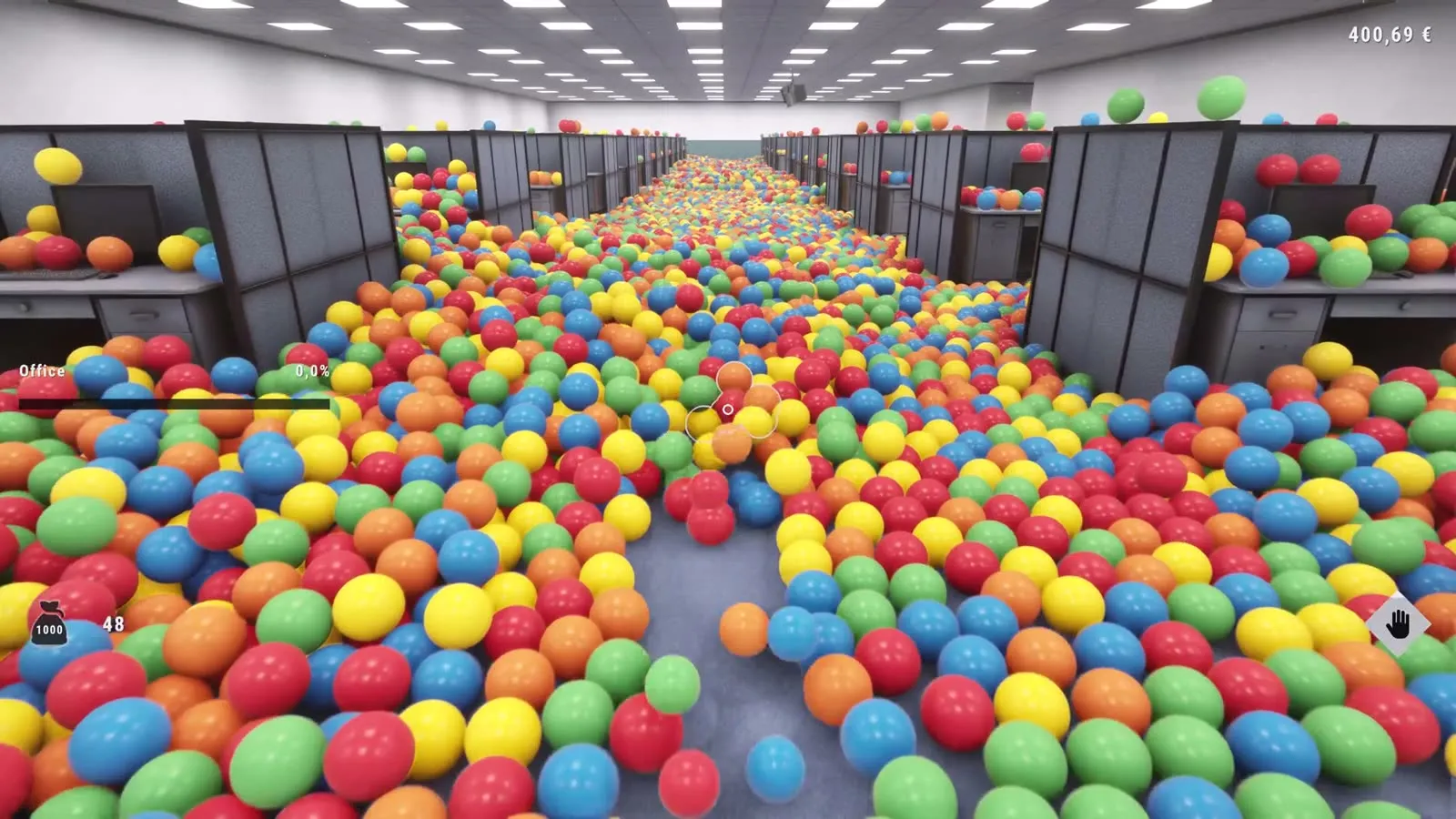
Keys and interaction summary
On keyboard, tool hotkeys 1, 2, and F show on the HUD (2026-10-13). The hand lamp keeps its own key on its icon; the value is not in news text. E and left mouse operate equipment along with doors and pits (2026-10-13).
Related pages
Screenshots: official Steam store media, © Two Pixels UG. Facts: Steam store page and official Steam announcements, checked 2026-11-02.
FAQ
What tools does the Playrooms Steam page mention?
What is the hand lamp in Playrooms?
Which keys equip tools in Playrooms?
Does Playrooms document flashlight battery or scoop durability?
Related Articles
guides
Playrooms Support DLC — Ballsweeper (Two Pixels Steam)
Playrooms Support DLC app 5318320 on Steam: Ballsweeper mini-game on the in-game PC, no main-game gameplay value, Coming soon, not in the Demo.
guides
Playrooms (Two Pixels) Controls and Keybinds on Steam
Documented Playrooms Demo controls: E and mouse interact, tools on 1 2 and F, hand lamp key shown, controller fixes, Camera Comfort and volume tags.
guides
Playrooms Difficulty Modes — Cozy, Normal, Hardcore (Steam)
Official Playrooms Cozy, Normal, and Hardcore rules from the in-game monitor and Steam store Flexible Working Arrangements text on Two Pixels ball pit shifts.
Was this helpful?
Thanks for the feedback!